Lua Scripting Mixers
Executive Summary
For years, creating a custom airframe meant editing C++ code, recompiling, and flashing custom firmware. Now, with ArduPilot's Lua Scripting Engine, you can define completely custom motor mixers—including 6-DOF Omnicopters—using a text file on the SD card.
Theory & Concepts
1. The Virtual Sandbox
Lua scripting in ArduPilot runs in a restricted, protected memory area (the sandbox).
- The Advantage: You can experiment with complex 6-DOF mixers (like Tilt-Rotors or OMNI-frames) without the risk of a C++ segmentation fault crashing the entire flight controller.
- The Power: ArduPilot exposes the Motor Matrix API directly to Lua. This allows you to write scripts that change how the drone flies based on external factors (like a servo position or a distance sensor).
2. 6-DOF Mechanics (Omni-Directional)
Standard drones are "Under-Actuated" (they must tilt to move). A 6-DOF frame is "Fully-Actuated."
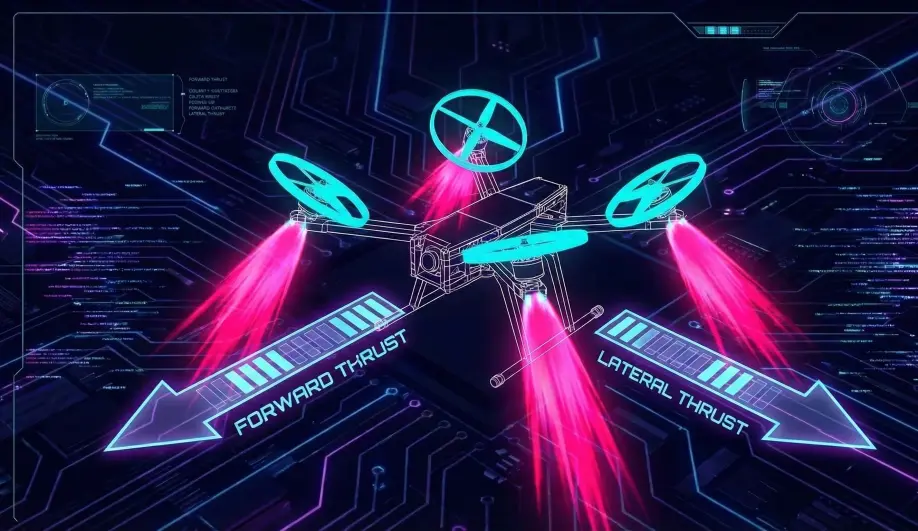
- The Physics: By mounting motors at specific angles, the drone can produce horizontal thrust without tilting.
- The Controller: Using the
Motors_6DoFclass in Lua, you gain access to theForwardandLateralcontrol channels, allowing the drone to "Stafe" and "Slide" while keeping the camera perfectly level.
Architecture (The Engineer's View)
The system uses the AP_Scripting library to expose C++ Motor classes to the Lua environment.
1. The Scripting Backends
There are two primary C++ classes available to scripts:
Motors_dynamic(AP_MotorsMatrix_Scripting_Dynamic):- Allows defining standard (3/4-DOF) multicopters.
- Supports changing factors at runtime (e.g., for a variable-pitch prop or tilting arm).
Motors_6DoF(AP_MotorsMatrix_6DoF_Scripting):- Allows defining 6-Degree-of-Freedom vehicles.
- Inputs: Roll, Pitch, Yaw, Throttle, Forward, Lateral.
- Use Case: Omnicopters, Coaxial-Tilt-Rotors.
2. How to Write a Mixer Script
A Lua mixer script runs once at startup to configure the frame.
-- Select the Scripting Frame Class (16)
param:set('FRAME_CLASS', 16)

-- Define Motor 1 (Front Right)
-- motor_num, roll, pitch, yaw, throttle, forward, right, reversible, testing_order
motors:add_motor(0, -0.5, -0.5, -1.0, 1.0, 0, 0, false, 1)
- No Recompile: Just save this as
mixer.luain theAPM/scriptsfolder on the SD card. - Initialization: When the board boots,
FRAME_CLASS=16tells the C++ code to look for definitions from the Lua engine.
Advanced Capabilities
- Reversible Motors: The
reversibleflag tells the DShot backend that this motor can spin backward (3D flight). - Lateral Thrust: You can map a motor to push the drone sideways (Lateral) without rolling. This enables "Strafing" in Loiter mode.
Key Parameters
| Parameter | Default | Description |
|---|---|---|
FRAME_CLASS |
1 | Set to 16 (Scripting Matrix) or 17 (Scripting 6DOF) to enable Lua mixers. |
SCR_ENABLE |
0 | Set to 1 to enable the Lua engine (requires 2MB flash board). |
Source Code Reference
- Dynamic Loader:
AP_MotorsMatrix_Scripting_Dynamic::add_motor()
Practical Guide: Your First Custom Mixer (Quad X)
This example shows how to replicate the standard "Quad X" frame using Lua. Use this as a template for your weird custom builds.
Step 1: The Script (quad_x.lua)
Create a file named quad_x.lua in your APM/scripts/ directory with this content:
-- Define a standard Quad X layout
-- The signs determine the direction of torque/thrust
-- Roll/Pitch factors are usually 0.5 or 0.707 depending on normalization

local M1 = 0 -- Front Right (CCW)
local M2 = 1 -- Rear Left (CCW)
local M3 = 2 -- Front Left (CW)
local M4 = 3 -- Rear Right (CW)

-- motors:add_motor(motor_num, roll, pitch, yaw, throttle, forward, right, reversible, testing_order)

-- Motor 1: Front Right (Roll Right -, Pitch Forward -)
motors:add_motor(M1, -0.5, -0.5, -1.0, 1.0, 0, 0, false, 1)

-- Motor 2: Rear Left (Roll Left +, Pitch Back +)
motors:add_motor(M2,  0.5,  0.5, -1.0, 1.0, 0, 0, false, 2)

-- Motor 3: Front Left (Roll Left +, Pitch Forward -)
motors:add_motor(M3,  0.5, -0.5,  1.0, 1.0, 0, 0, false, 3)

-- Motor 4: Rear Right (Roll Right -, Pitch Back +)
motors:add_motor(M4, -0.5,  0.5,  1.0, 1.0, 0, 0, false, 4)

-- Log that we are done
gcs:send_text(6, "Lua: Custom Quad X Mixer Loaded")
Step 2: Configuration
- Set
SCR_ENABLE = 1and Reboot. - Set
FRAME_CLASS = 16(Scripting Matrix). - Reboot.
- Check the "Messages" tab. You should see "Lua: Custom Quad X Mixer Loaded".
- Critical: Perform a "Motor Test" (Propellers OFF!) to verify your mapping is correct.